Renew a bank connection
Understand bank connection statuses and refresh open banking consent when a connection expires.
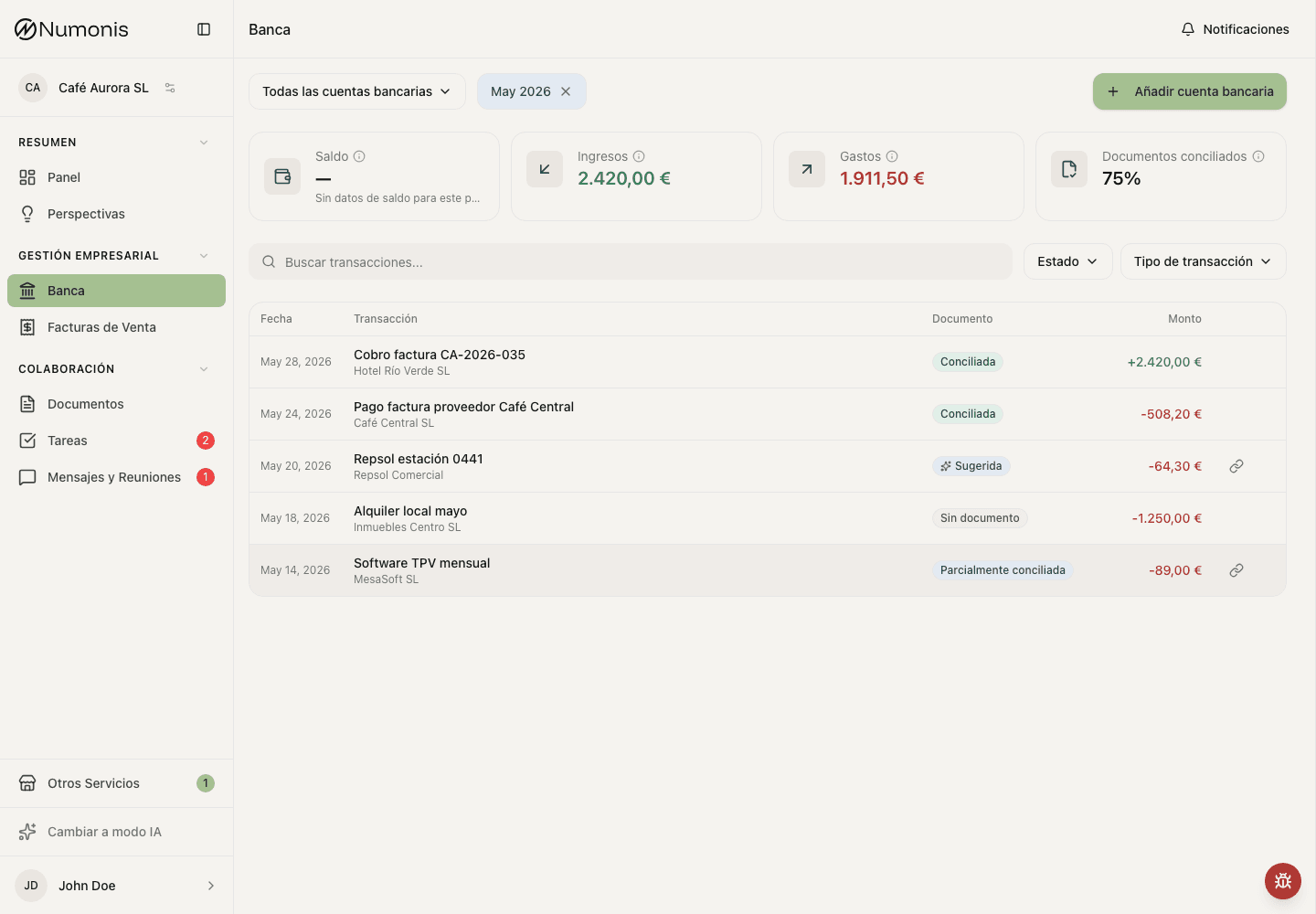
In Banking, you can review connected account status and last sync.
Some open banking connections expire for security reasons or because of bank requirements. When this happens, Numonis stops receiving new transactions until you refresh consent.
Connection status
- Active: the connection is working and can synchronize transactions.
- Pending: the connection is being created or updated.
- Expired: consent must be refreshed before new transactions sync.
- Error: the bank or provider rejected the latest action or synchronization failed.
- Disconnected: synchronization is off for this connection.
How to renew it
- Open Banking.
- Open the affected bank account or connection settings.
- Press Refresh connection, Reconnect, or the equivalent action if it appears.
- Follow the bank authorization steps.
- Return to Numonis and wait for the bank account to update.
What happens next
Numonis syncs transactions again. It can take a few minutes to show the latest information, depending on the bank and the period that needs to update.
Common problems
The refresh action does not appear
Write to Numonis support through Messages & Meetings and include the bank, affected bank account, and last update date.
The bank rejects authorization
Check that you are using the correct credentials and can sign in to online banking. If the bank shows an error, wait a few minutes and try again.
Transactions are still missing
Review the selected period and last sync date. If transactions are still missing, write to Numonis support with the bank account and affected dates.