Talk to Numonis from Messages & Meetings
Open conversations with Numonis, reply to messages, and check previous threads.
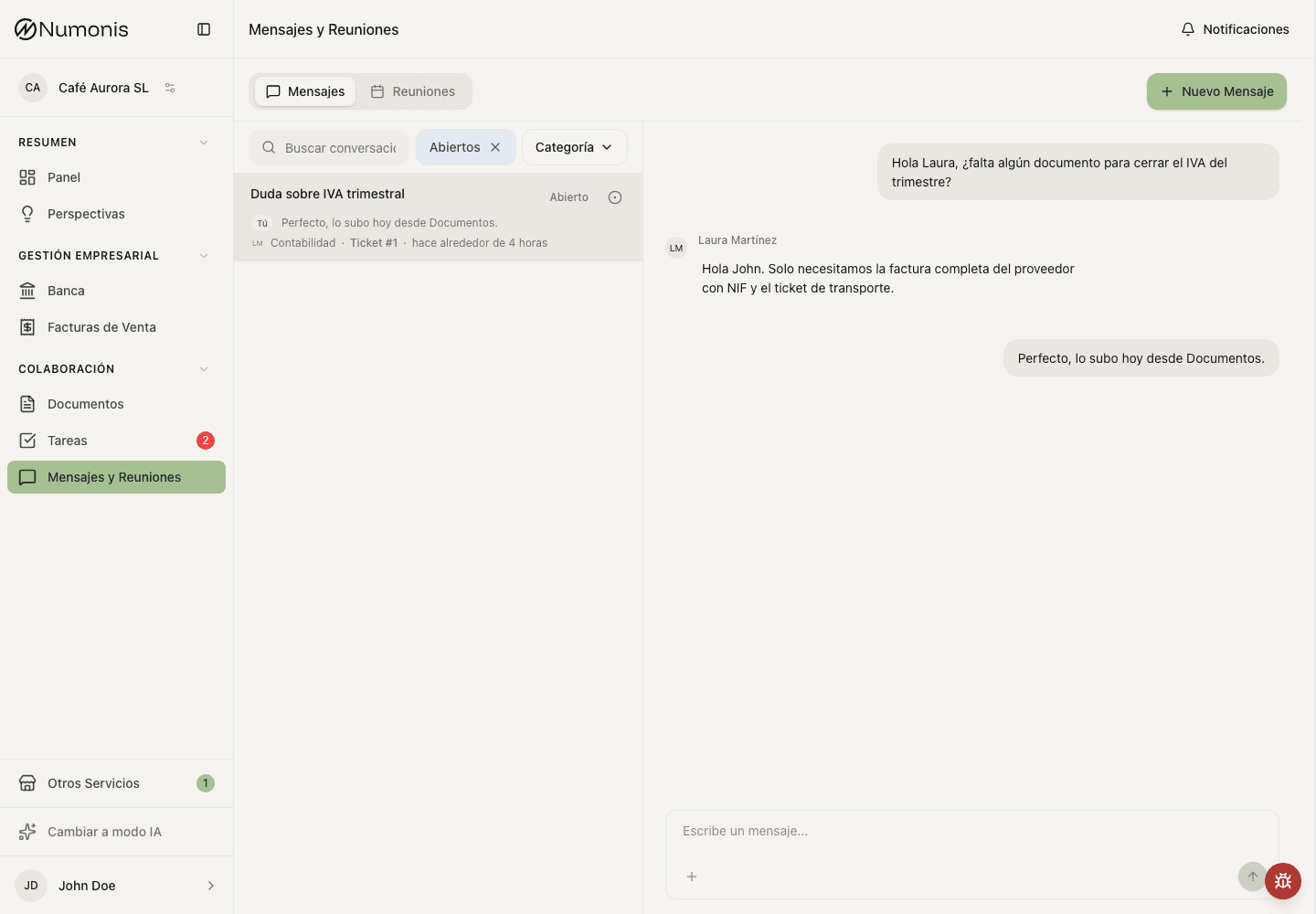
Each conversation keeps the history, status, and category of the case.
Messages & Meetings centralizes conversations with your accountant and the Numonis team. Use it for accounting questions, support requests, or context that does not belong in a specific task.
When you open a conversation, Numonis may see that it has been read so the team knows their reply reached you.
How to get there
- In the sidebar, press Messages & Meetings.
- On mobile, press Messages & Meetings in the bottom navigation.
How to open a conversation
- Press New message or Create conversation.
- Choose the category closest to your question.
- Write a clear subject.
- Explain what you need and mention documents, invoices, or dates if applicable.
- Send the message.
Only categories available for your company are shown. Accounting appears when your company has an assigned accountant, payroll appears when it has an assigned payroll specialist, and support is always available.
Use the formatting controls in the message box to add bold text, italics, lists, or links when that helps make your message clearer.
How to reply
- Open Messages & Meetings.
- Select the conversation.
- Write the reply in the text box.
- Attach files if the conversation allows it.
- Press Send.
Common statuses
- Open: Numonis or you can reply.
- Resolved: the case is closed, but you can check it.
- Unread: there is activity pending review.
Tasks or messages?
Use Tasks when Numonis has assigned a specific action with a due date. Use Messages & Meetings when you need to ask a question, share context, or follow up on a problem.