Documents
View document detail
Open a document to review preview, status, notes, and available actions.
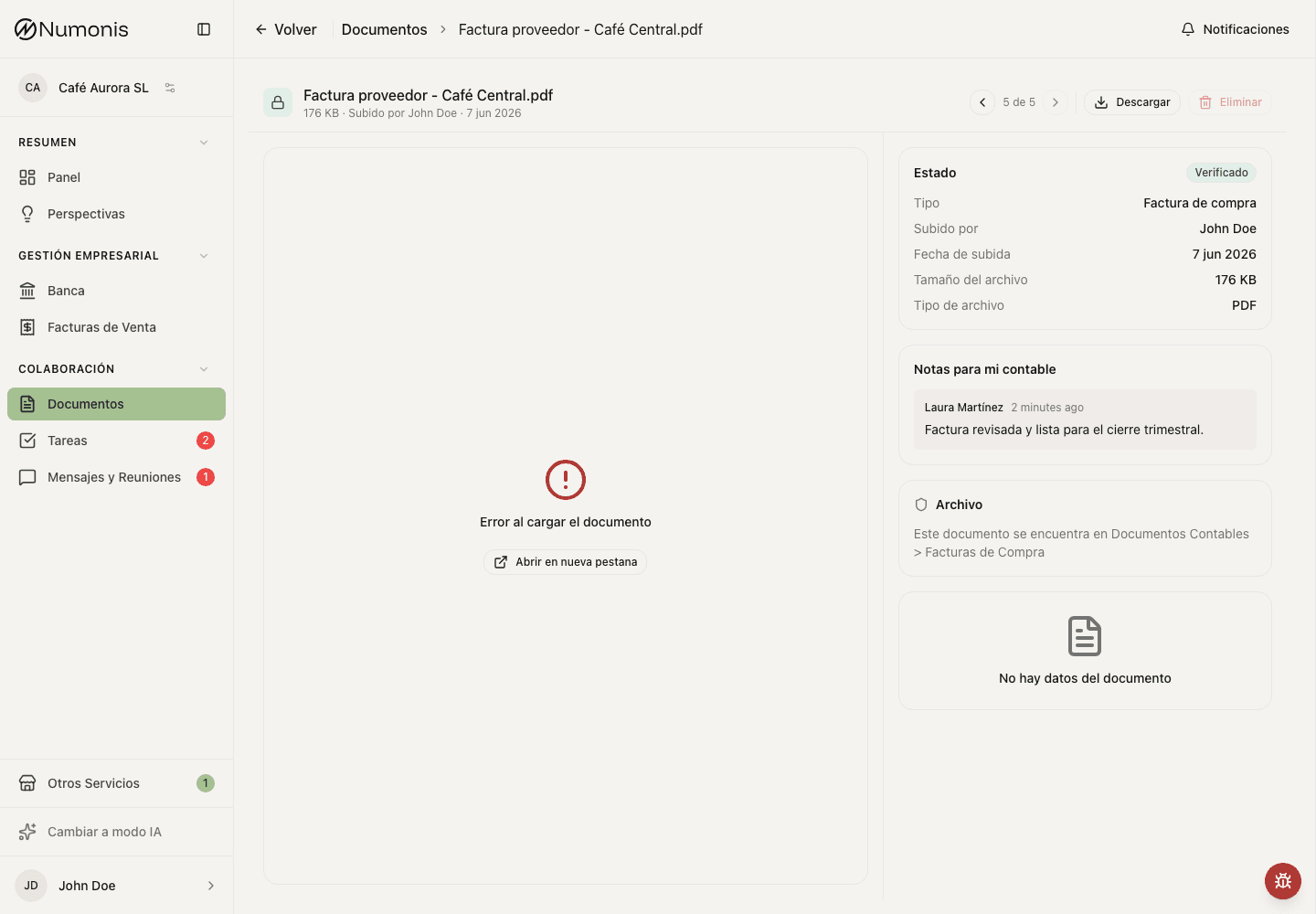
The side panel shows the document status, classification, and important notes.
Document detail brings together the preview, extracted data, review status, and notes from Numonis. Use it to understand what Numonis read from the file and whether your accountant needs anything else.
How to get there
- Open Documents.
- Search for the file by name, status, or date.
- Press the document.
What you can do
- Review the preview to confirm that the file is legible.
- If a PDF appears sideways, press the rotate button on the preview toolbar. Numonis saves the rotation and shows the document rotated the next time you open it.
- Check the review status.
- Read your accountant's notes if they appear.
- If the document was rejected, read the reason and upload a corrected copy if needed.
- Download or delete the document if you need to correct it and the action is available.
- If the document should explain a bank transaction, go to the transaction in Banking and link it from there when the action appears.
Common problems
The preview does not load
Download the file to check it. If the document is damaged, upload a legible copy again.
The document appears rejected
Read the rejection reason and upload a corrected version. If you do not know what is missing, open a conversation in Messages & Meetings.