Notifications
Use notifications
Configure in-platform, browser, and email notifications for tasks, messages, documents, and important activity.
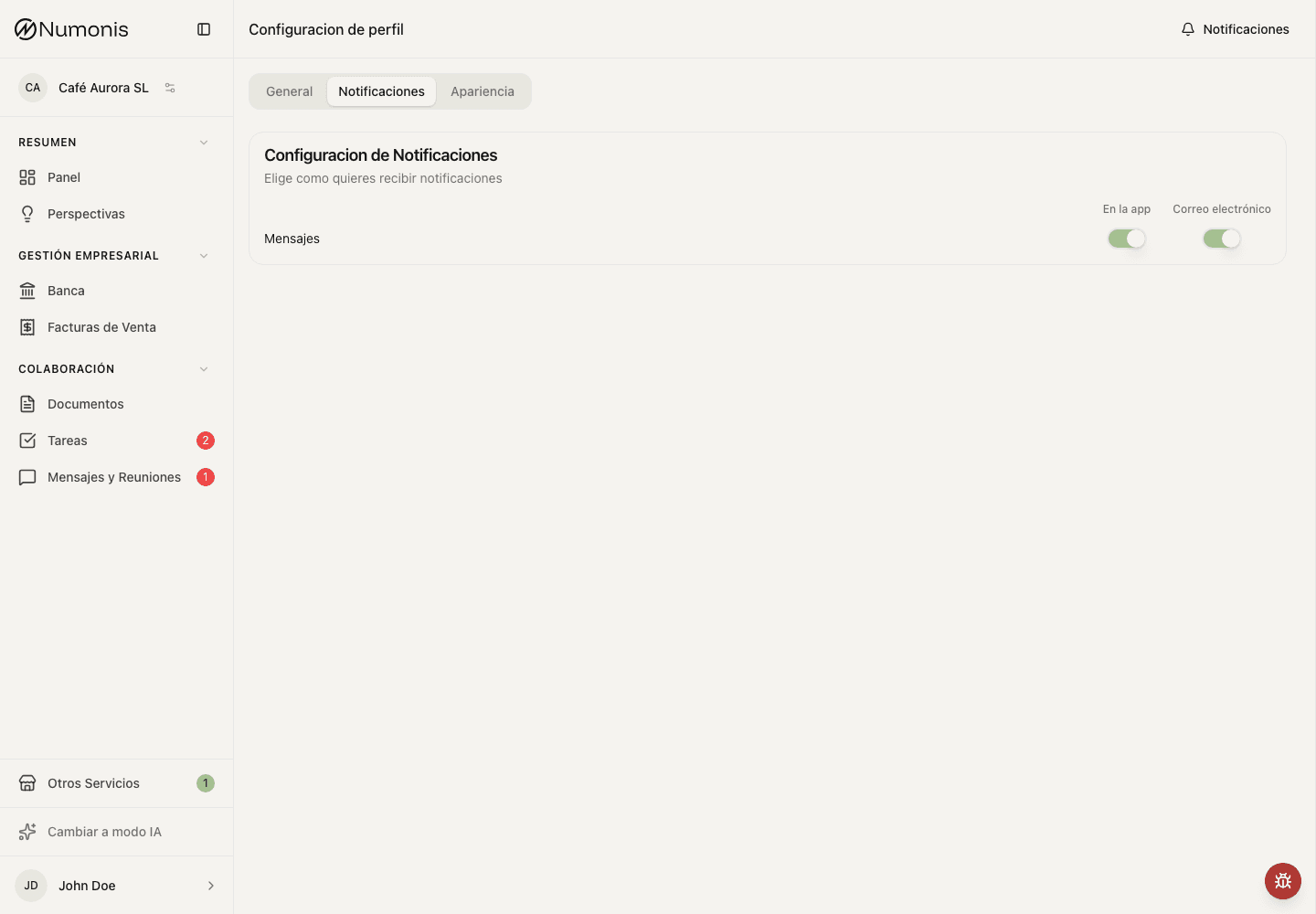
You can enable or disable in-app and email notifications by event type, and allow browser alerts for new messages.
Notifications are alerts that help you notice important activity without checking every section manually. They can appear in the platform, as browser alerts for new messages, and, for some events, by email.
How to get there
- Open Profile settings from your avatar.
- Open Notifications.
- Review each notification type.
What to keep active
- Tasks: alerts when the Numonis team needs an action from you.
- Messages & Meetings: alerts when someone replies or schedules something with you.
- Documents: alerts when a document needs attention or has finished review.
- Banking or invoicing: alerts when a connection, invoice, or payment status needs review.
How to change notifications
- Open Notifications.
- Enable or disable the channels shown for each event.
- Under Browser notifications, choose Enable and approve the browser prompt if you want new-message alerts while Numonis is in the background.
- Leave critical notifications active unless you are sure another team member is covering them.
Tips
- Keep task and message notifications enabled so closings are not delayed.
- Browser notifications require in-app message notifications to stay enabled. If permission is blocked, use your browser's site settings to allow notifications for Numonis.
- If too many notifications arrive, reduce lower-priority alerts first.
- If you stop receiving notifications, check spam or mail filters and confirm that you are signed in with the correct user account.