Help
Common problems
Quick fixes for common issues with sign-in, organization access, document uploads, bank connections, invoices, notifications, and mobile navigation.
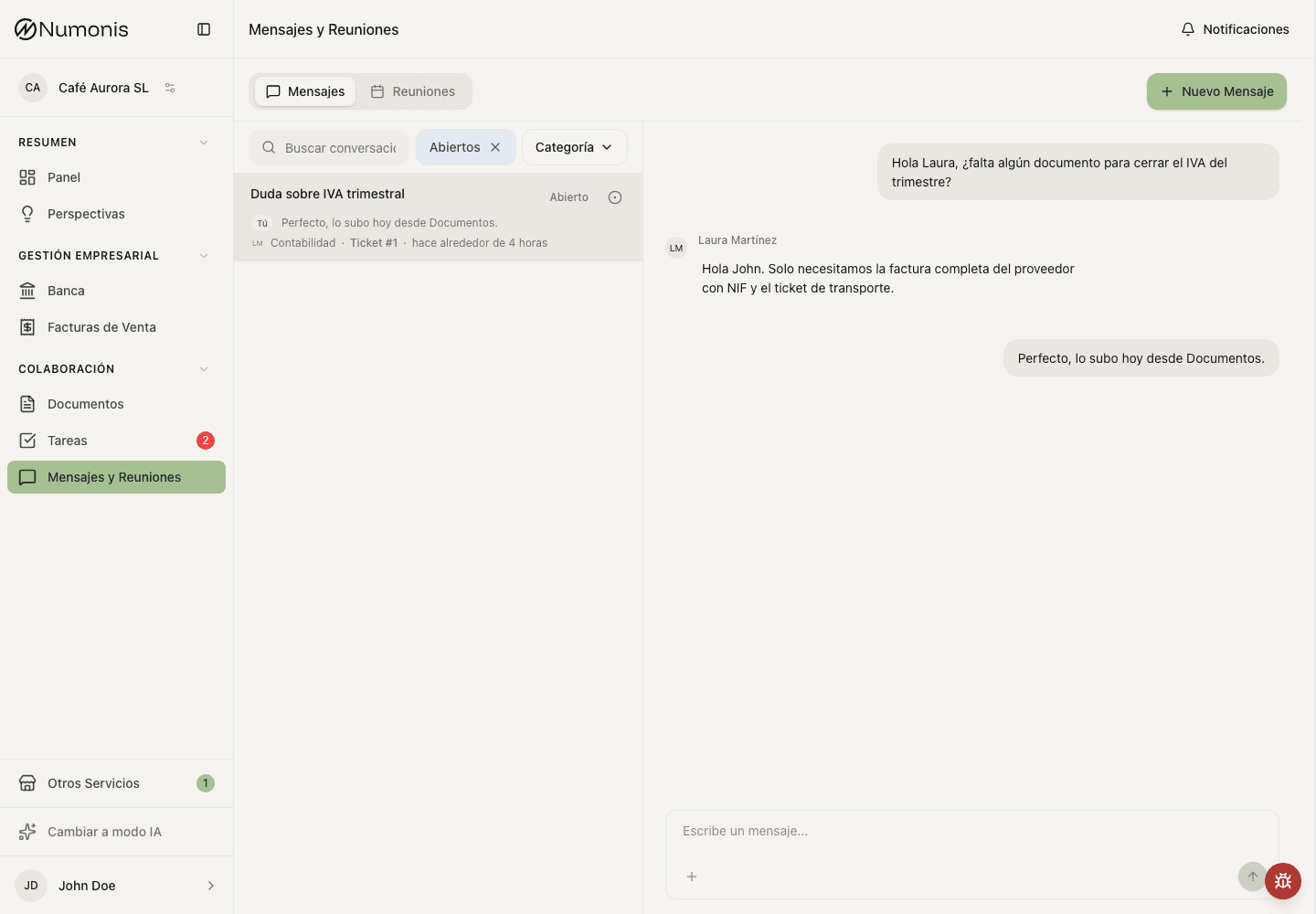
Use Messages to ask for help when a problem is not solved by these steps.
If something does not work, review these cases first. When you contact Numonis, include screenshots, dates, amounts, document names, bank account names, or invoice numbers when useful.
I cannot sign in
- Check that you are using the correct email.
- Make sure there are no spaces before or after the email.
- Enter your password and request a new verification code if the old one expired.
- Check spam or junk mail if the verification code does not arrive.
- If the problem persists even after you have successfully completed steps 1-4, please contact the Numonis support team via the platform's messaging section.
I cannot find my business
- Review the organization selector in the sidebar or user menu.
- Check whether you signed in with another email.
- Ask the organization administrator to review your access.
- Confirm that you are not filtering or viewing another organization.
- If the problem persists even after you have successfully completed steps 1-4, please contact the Numonis support team via the platform's messaging section.
Upload fails or the document preview does not load
- Check your connection.
- Try uploading fewer files at once.
- Use a clearer photo or a complete PDF.
- Avoid password-protected files.
- If the problem persists even after you have successfully completed steps 1-4, please contact the Numonis support team via the platform's messaging section.
The bank connection fails or shows no accounts
- Check that you selected the bank version that matches your account type. Many banks have separate versions for personal and business accounts.
- Sign in with the credentials for that account type (for example, company credentials for a business account).
- Read the message in the connection window. It tells you what to correct: wrong credentials, blocked access, or a pending action at your bank.
- If the bank is temporarily unavailable, wait a few minutes and try again.
- If the problem persists even after you have successfully completed steps 1-4, please contact the Numonis support team via the platform's messaging section.
The bank connection appears expired
- Open Banking.
- Open the affected bank account or bank connection.
- Use Refresh connection, Reconnect, or the equivalent action if it appears.
- Complete the bank authorization screen and return to Numonis.
- If the problem persists even after you have successfully completed steps 1-4, please contact the Numonis support team via the platform's messaging section.
My customer does not receive an invoice email
- Check that the customer email is correct.
- Review the invoice status and email activity.
- Download the PDF and send it through another channel if urgent.
- Check whether the customer has spam or mail filtering rules.
- If the problem persists even after you have successfully completed steps 1-4, please contact the Numonis support team via the platform's messaging section.
I do not receive notifications or emails
- Open Profile settings and review Notifications.
- Check that the relevant channel is enabled.
- Review spam, promotions, or mail filters.
- If you use mobile, make sure you are signed in with the correct user account and the session is still active.
- If the problem persists even after you have successfully completed steps 1-4, please contact the Numonis support team via the platform's messaging section.
I cannot see a section on mobile
- Check the bottom navigation for Dashboard, Documents, and Messages & Meetings.
- Press More to find Banking, Sales invoices, Tasks, Other Services, Settings, and Help.
- Confirm that you are in the correct organization.
- Refresh the page if the menu looks incomplete.
- If the problem persists even after you have successfully completed steps 1-4, please contact the Numonis support team via the platform's messaging section.