Monthly and quarterly checklist
What to review daily, before month-end, and before tax preparation so your accountant has complete information.
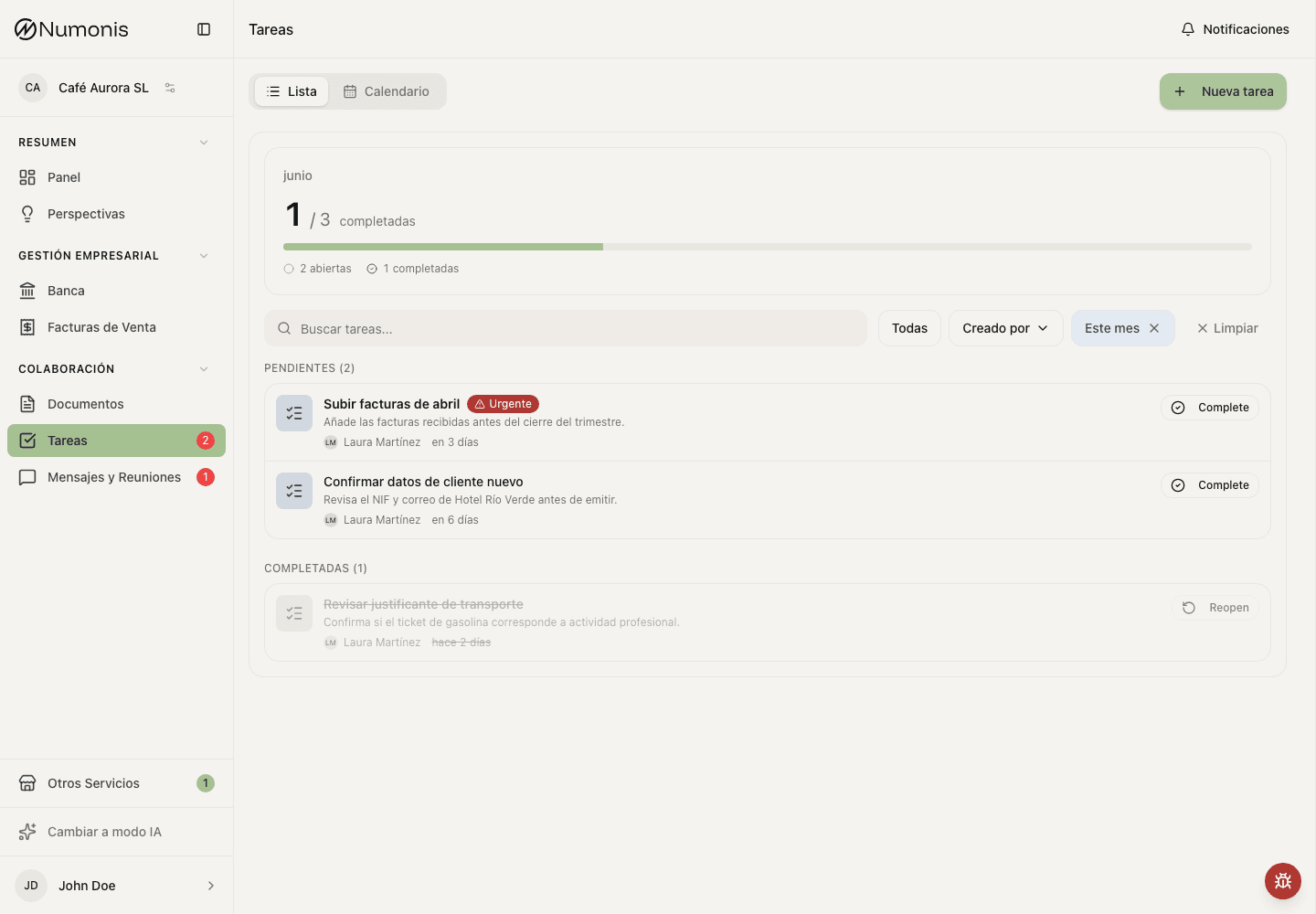
Review pending tasks and documents before monthly or quarterly closes.
Use this checklist to reduce last-minute questions and help reports and tax work use complete information.
Every day
- Upload new invoices, receipts, tickets, and relevant files while they are fresh.
- Review Tasks in case your accountant requested information.
- Reply to pending messages in Messages & Meetings.
- Check whether visible bank transactions are missing a document.
- Take a mobile photo immediately when you only have a paper receipt.
Before month-end
- Filter documents by the month you want to review.
- Upload missing documents for cards, expenses, banking, and purchases.
- Review unreconciled bank transactions.
- Mark sales invoices as paid when applicable.
- Use Messages & Meetings to flag unusual transactions, refunds, or corrections.
Before quarterly close or VAT filing
- Check that all months in the quarter have uploaded documents.
- Make sure no tasks are open for invoices, receipts, or clarifications.
- Review sales invoices, corrective invoices, and payments.
- Ask your accountant through Messages & Meetings if you have questions about deductions, VAT, or insufficient documentation.
- Avoid uploading large batches of documents on the last day if you can send them earlier.
If reports do not match expectations
Reports depend on documents, banking, and reviews prepared by Numonis. If supporting documents are missing, transactions are unreconciled, or the month is not closed yet, some numbers may change.
When you see a difference, first review pending documents, bank transactions without linked documents, and open tasks. If it still does not match, write to Numonis with the period and figure you are reviewing.
Your accountant will usually send you a task before closing the monthly cycle when they need specific information. Complete that task first, then use Messages & Meetings only if you need to add context or ask a question.